Hi folks, this is CCS.
This is a small but important update for everyone working seriously with long-form video generation in ComfyUI.
If you’ve been using Stable Diffusion Infinity – SVI Pro v2, you already know the upside: temporal stability, continuity, and real control over structure.
You also know the downside: when you introduce LoRAs, especially style or cinematic LoRAs, motion often collapses into that familiar fake slow-motion look. Frames move, but nothing really flows.
This update is about fixing that — properly, at the latent level.
(links to the models at the bottom of the page)
1 — Stable Diffusion Infinity Pro v2 (quick context)

SVI Pro v2 is currently one of the most solid bases for long-length video generation inside ComfyUI.
It scales well with length, keeps coherence, and avoids the worst temporal artifacts of classic AnimateDiff-style pipelines.
The problem is not SVI itself.
The problem is what happens when LoRAs enter the chain: motion energy gets dampened, latents become over-stabilized, and you end up with videos that feel slowed down, even when the length and steps are correct.
That’s the gap this update targets.
2 — IAMCCS_nodes update: new WanImageMotion node

I’ve added a new node to the IAMCCS_nodes suite:
IAMCCS WanImageMotion
You can grab it on github.com/IAMCCS_nodes
or via ComfyUI manager
Other info on my Website blog:
https://carminecristalloscalzi.com/iamccs_wanimagemotion/
and here You can take a look to the paper:
https://github.com/IAMCCS/IAMCCS-nodes/blob/main/WanImageMotion.md
This node is a drop-in replacement for the standard SVI Pro motion handling, but with one crucial difference:
it lets you control motion amplitude explicitly on the latent timeline, instead of accepting whatever motion survives after LoRA injection.
In simple terms:
LoRAs no longer kill motion — motion is re-injected after structure is set.
Key ideas behind the node:
-
Motion boost happens where it should: on motion latents, not blindly everywhere
-
You can decide whether motion affects only prev_samples or all non-first frames
-
Padding frames can optionally receive motion, which is critical for long videos starting from a single anchor
-
VRAM-aware profiles let you run this even on constrained GPUs without blowing memory
This is not a cosmetic tweak.
It’s a structural fix for how SVI Pro handles temporal energy under LoRA pressure.
3 — The workflow: fixing slow-motion in long-length videos

The workflow is simple in concept, but precise in execution.

Here you can see the LoRAs inside the IAMCCS_nodes LoRA Stack node, designed to load even the latest LoRAs safely, avoiding common loading errors.
Let’s dive deep into it…
Instead of letting SVI Pro propagate motion implicitly, the pipeline now works like this:
-
Anchor frames define structure
Your first latent(s) lock composition, framing, and LoRA style. -
Motion is separated from structure
Motion latents (from prev_samples) are treated as a controllable signal, not a side effect. -
Motion amplitude is applied after concatenation
The WanImageMotion node amplifies latent deltas relative to the first frame, restoring real temporal progression. -
Long lengths stay alive
Even at 73, 121 lenght, motion doesn’t decay into drift or slow blur — it remains readable and cinematic.

Every subgraph is a video segment. You can see above what’s in (also our newest node).
You can check any info about it on the annotate workflow (grab IAMCCS_annotate for this github.com/IAMCCS_annotate
or on the github page github.com/IAMCCS_nodes
One tip: if the logs show no motion, enable include padding in motion to push the motion, then play with the motion level. In short: experiment!

The result is not “more motion”.
It’s correct motion, consistent with the visual grammar you’re imposing via LoRAs.
Workflows using this node will be shared here on Patreon.
As always, this is built from practice, not theory — straight from real-world cinematic testing inside ComfyUI.
A note:
For the first generations, I recommend using the initial values without motion, which already produce no slow-motion results, so:
-
motion: 1
-
motion mode: motion_only
-
latent precision: fp32
-
include padding: false
And I also recommend trying different models and LoRAs. In fact, as I’ve often said, ComfyUI is a spectacular piece of software, but it’s basically always in BETA.
With every update and every installation, there are small differences that make each setup almost unique, often with different issues caused by dependencies and related factors.
So the settings and models I recommend are my own configurations, which generally give good results.
That said, everyone may get different — sometimes even better — results by tuning the settings differently or by using other models.
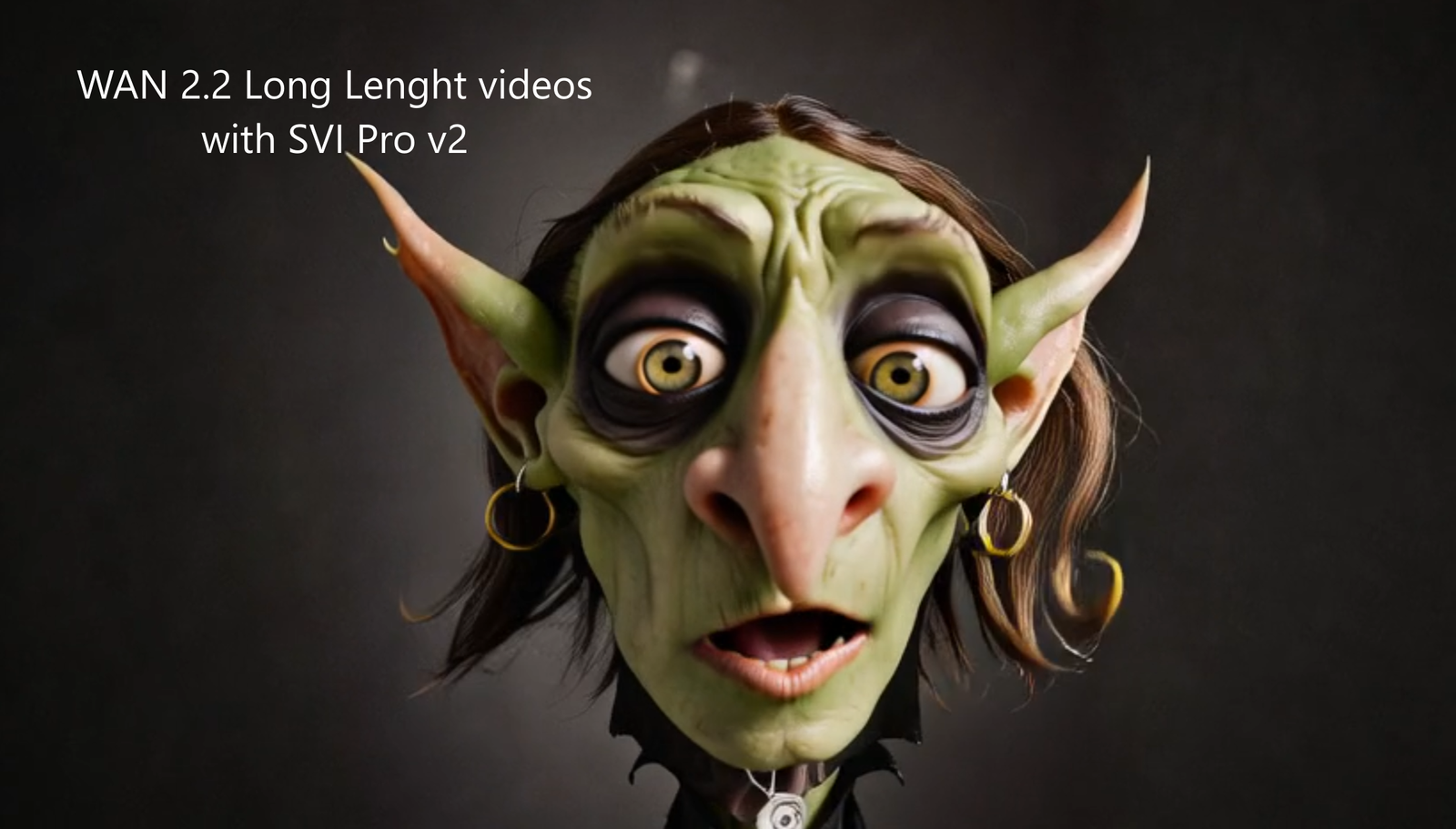
Examples of enhanced motion:
LINKS:
GitHub -Stable-Video-Infinity
https://github.com/vita-epfl/Stable-Video-Infinity
v2.0 Pro
SVI_Wan2.2-I2V-A14B_high_noise_lora_v2.0_pro.safetensors
SVI_Wan2.2-I2V-A14B_low_noise_lora_v2.0_pro.safetensors
Models:
GGUF: https://huggingface.co/Bedovyy/smoothMixWan22-I2V-GGUF
diffusers (only early access): https://civitai.com/models/1995784/smooth-mix-wan-22-14b-i2vt2v
Loras lightx2v:
High and low: https://huggingface.co/lightx2v/Wan2.2-Distill-Loras/tree/main
(for the low, I suggest You tu use the old good wan2.1 Lighx2v LoRA:
https://huggingface.co/wangkanai/wan21-lightx2v-i2v-14b-480p/tree/main/loras/wan
Grab the Wanimagemotion here:
https://www.github.com/IAMCCS_nodes
or through ComfyUI Manager!
And now, the workflows!!
Break it. Test it. Experiment.
More soon.