Hi folks, this is CCS.
Quick update on IAMCCS_nodes — the suite keeps evolving and the ecosystem is getting tighter, cleaner, and more powerful with every release. This update is all about workflow architecture, control, and stability.
Link to the updated node:
https://github.com/IAMCCS/IAMCCS-nodes
or grab it via ComfyUI manager
First big addition: Bus Group.
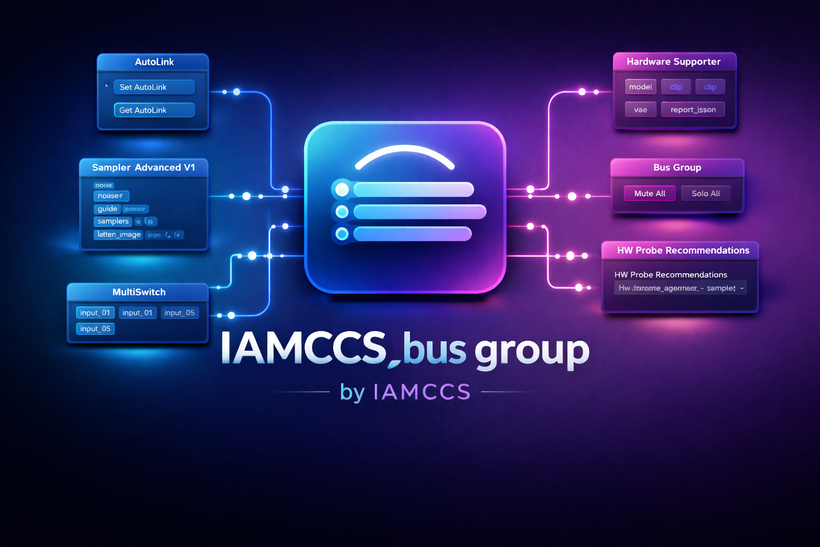
This node introduces a proper grouping logic inside complex graphs. You can now organize nodes into logical buses and treat them as macro-units. The real power here is control: you can isolate, activate, or disable entire groups at once. This opens the door to true macro workflows — think A/B paths, debugging branches, or entire pipeline sections you can mute or solo without tearing the graph apart. It’s not just cleaner graphs, it’s structural thinking inside ComfyUI.
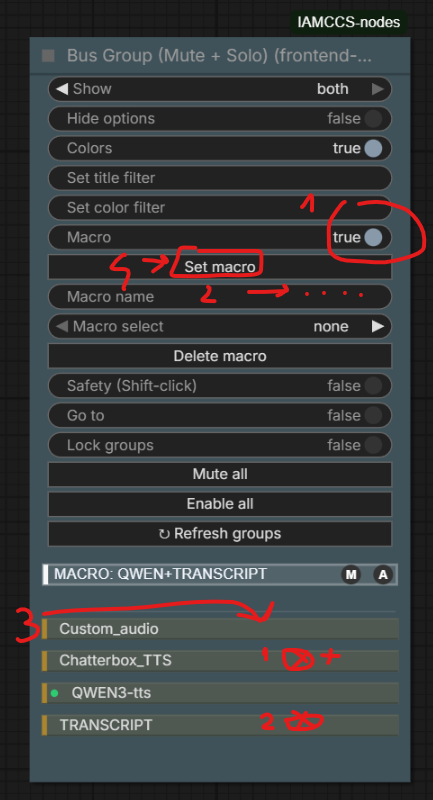
Example 4 MACRO settings:
2: HW Supporters, with automatic hardware probing
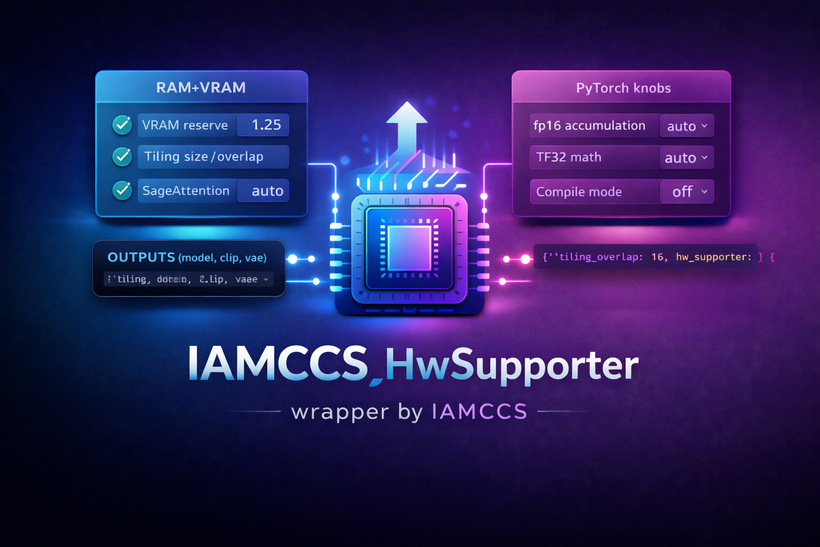
This is a big one. The node inspects your actual hardware and suggests (or applies) the most appropriate generation parameters based on your setup. VRAM, attention strategy, torch knobs, tiling, decode strategies — all contextualized to your machine.
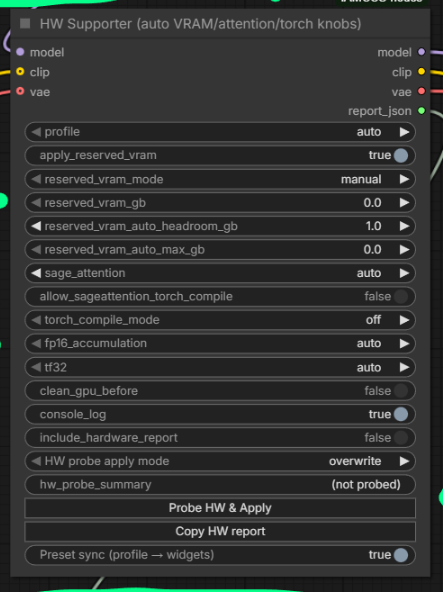
The idea is simple: stop guessing, stop copy-pasting random settings, and start from a hardware-aware baseline that actually makes sense. You can still override everything manually, but now you’re doing it consciously, not blindly.
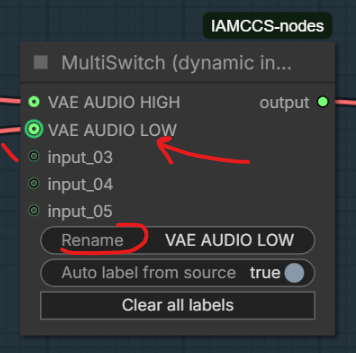
Third: MultiSwitch, now with custom input names.
This might sound small, but it’s huge for readability and long-term maintenance. Being able to rename inputs means your switches finally describe intent, not just position. When workflows grow large (and they do), semantic clarity matters more than clever tricks. This change makes MultiSwitch a real architectural tool, not just a utility node. Additionally, active links are visually indicated: the currently selected input is highlighted with a green indicator at the input connector.
On the stability side: AutoLink bug fixes.
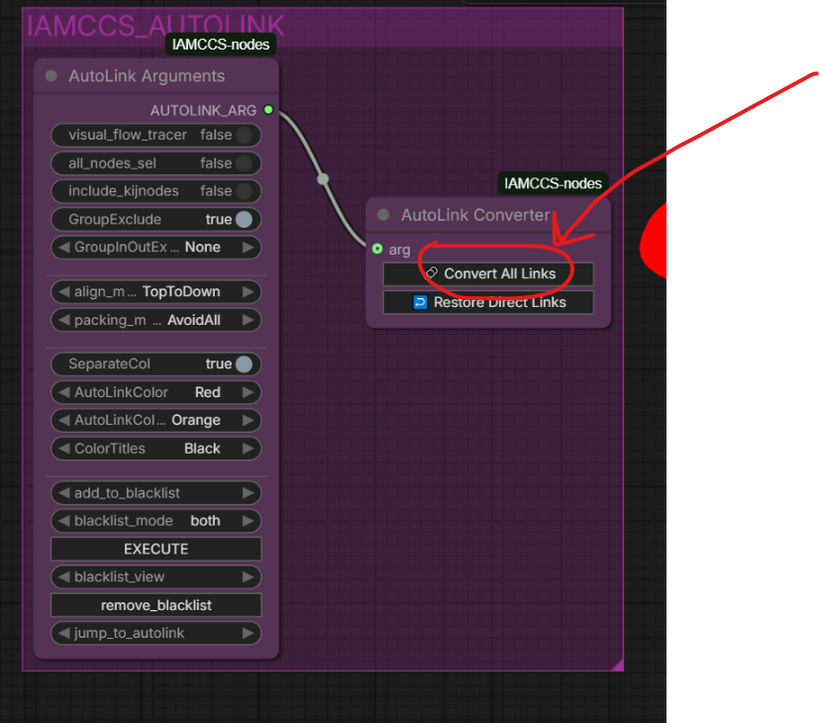
Several edge cases have been ironed out. AutoLink is now more robust, safer during serialization, and more predictable in complex or nested graphs. If you’re building large systems, this matters — a lot.
What’s next?
In the next post, I’ll drop a full LTX-2 audio + image → video workflow, explicitly built as a real-world testbed for these new nodes.
This workflow will actively use the new Bus Group, MultiSwitch, and HW Supporter logic, not as abstract features, but as structural tools inside a real generative pipeline. Groups will be used to isolate stages, MultiSwitches to route logic cleanly, and HW Supporter to adapt the workflow dynamically to different machines.
As part of this setup, I’ll also include a first practical test of the brand-new Qwen3-TTS inside the pipeline — pushing speech generation directly into the LTX-2 image-to-video process. This is not a demo for its own sake, but a stress test: timing, coherence, conditioning, and architectural implications when audio truly becomes a first-class citizen in video workflows.
The release will be split into two layers:
-
Version 1: a clean, usable workflow you can run immediately. Minimal friction, clear structure, and solid defaults — meant to be understood by using it.
-
Version 2: the deep dive. More switches, more branches, more control — and, most importantly, a full architectural breakdown explaining why the workflow is designed this way. This version is for supporters who want to truly master ComfyUI workflow design, not just operate nodes.
If you want to understand how modern image, audio, and video pipelines can be architected coherently — and not just stitched together — this next post is unmissable.
Thank you for the support, and honestly, thanks for the constant feedback and messages. This ecosystem keeps growing because it’s tested in real creative scenarios, not theoretical ones.
Thanks again for being here.
And thanks to those who choose to walk a bit further with me.
CCS